A community health worker’s day rarely goes according to plan. New visits, follow-ups with members who need a check-in, and a to-do list that never seems to get shorter. The same is true for CHWs also applies to doulas, promotores, and even administrative support staff, who carry a lot on their shoulders in every shift.
When all of that information lives in different places, things fall through the cracks. A follow-up gets missed. A member who needed a call yesterday doesn’t hear from anyone until next week. It’s not for lack of caring; the tools just haven’t kept up with the work.
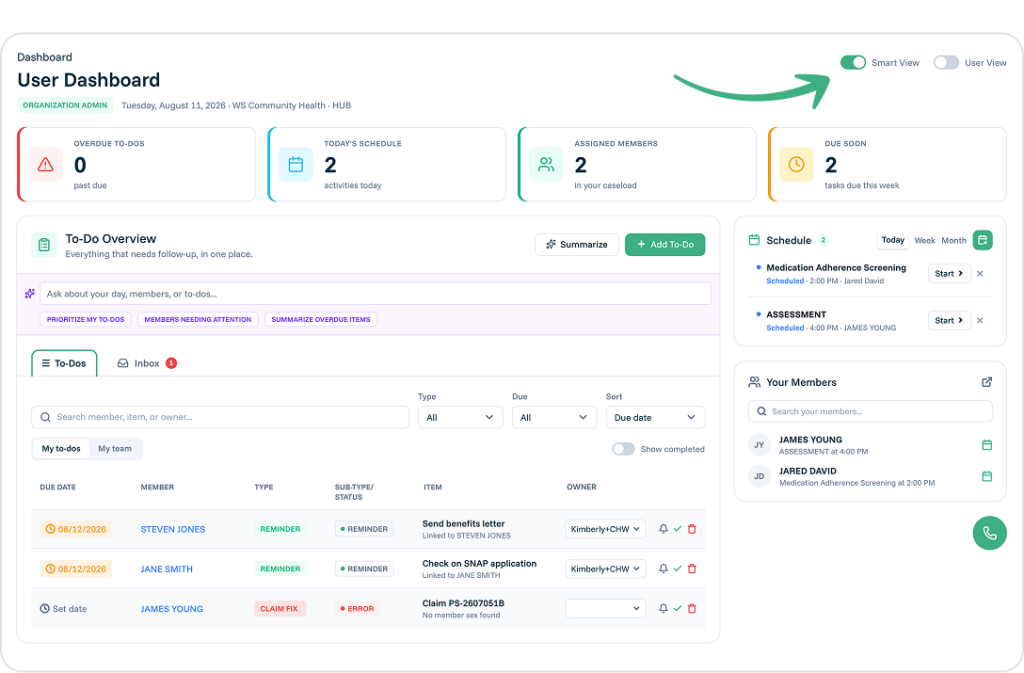
At Pear Suite, feedback from the people doing this work shapes everything we build. That’s why we created the Smart Dashboard, a caseload-friendly home base that brings your whole day into one clear view. Your schedule, your to-dos, and your members all live side by side, so your team can spend less time hunting for information and more time with the people they serve.
Everything Your Team Needs to Get Through the Day
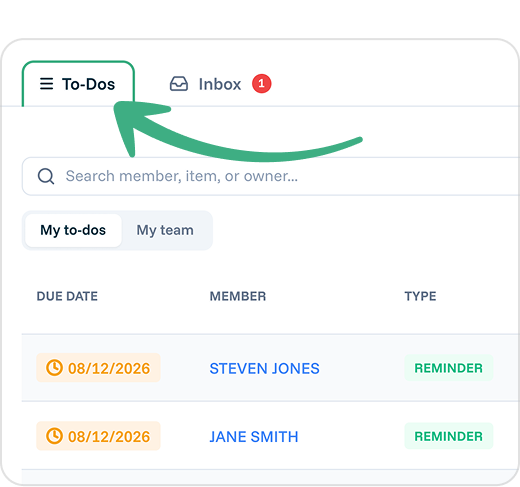 The Smart Dashboard combines reminders, goals, review requests, compliance items, claims that need action, and call center items (when enabled) into a single To-Do list, sorted by priority. Instead of checking five different places to see what’s overdue, your team sees it all at once. They can search by member, filter by type or due date, and sort so the most urgent work rises to the top. Team leads can view their team’s to-dos and reassign most work when someone has too much on their plate.
The Schedule panel shows activities for today, this week, or this month, with anything overdue or in progress listed first. Staff can schedule a new activity right from the dashboard, or dismiss something that can wait. If it’s still relevant, it comes back the next day.
And the Your Members panel keeps your day-to-day caseload front and center. If you’re managing an assigned caseload, it narrows down to exactly who’s counting on you; team members without an assigned caseload see the full member list instead. Either way, you can search for a member, open a profile, check the next visit, or schedule one without ever leaving the dashboard. For CHWs managing a full caseload, it’s a simple way to stay on top of everyone who’s counting on them.
Tools That Work Alongside Your Team
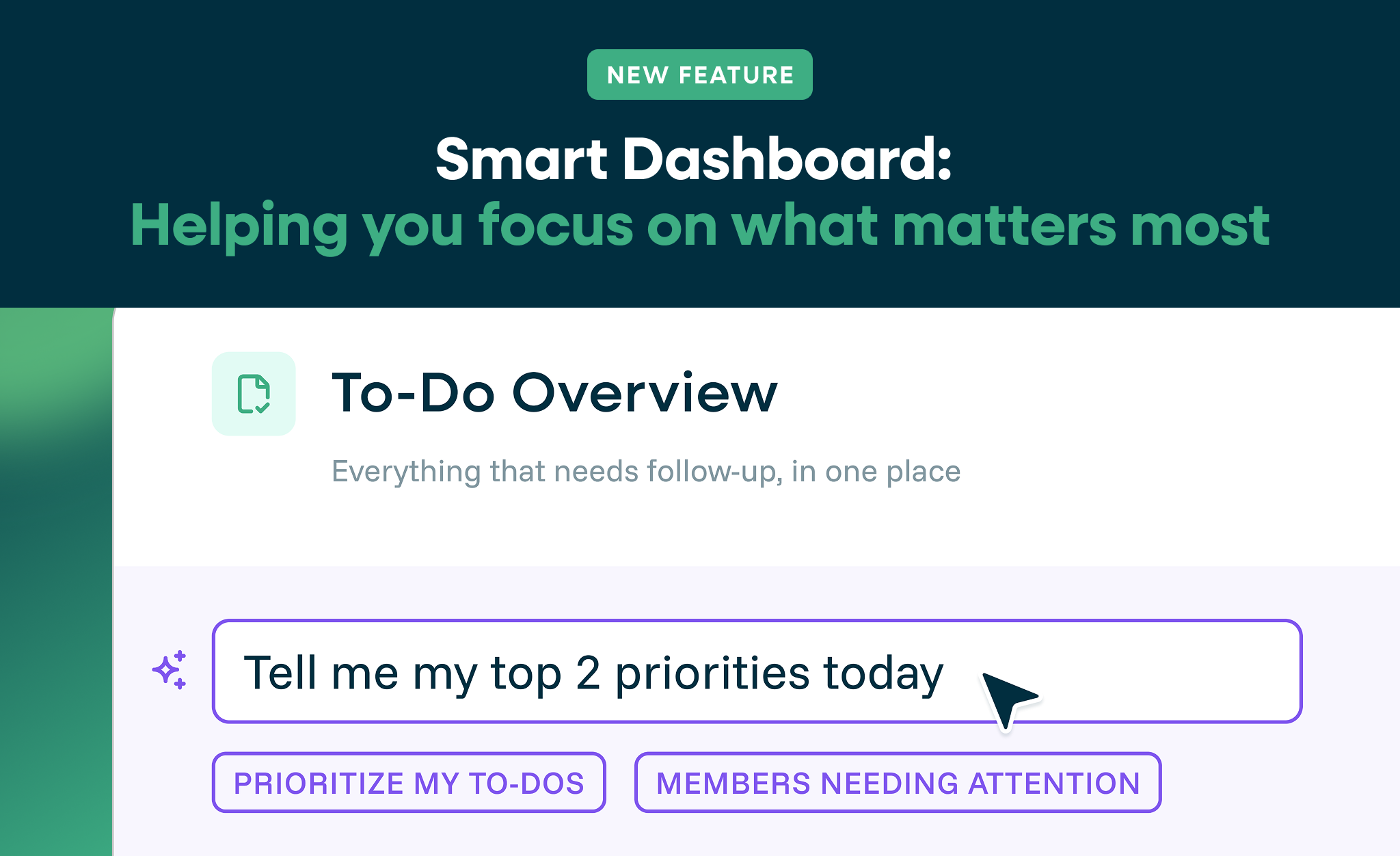
The Smart Dashboard includes intuitive features such as Summarize for a quick recap of the day. Simply ask it a question, like “which members need attention today?” or “what’s overdue this week?” The Smart Dashboard uses information the user already has access to on their dashboard, so it’s helpful without being intrusive.
A Clear View for Admins and Program Leaders
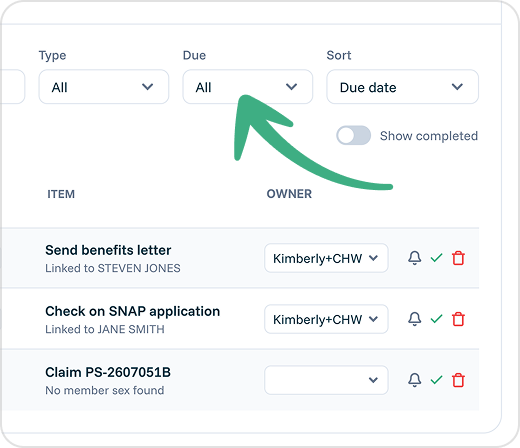 No more pulling separate reports just to see how things are going. Filter by Today, This Week, This Month, Last 90 Days, or All Time to see billing, claims, and activity for exactly the period you need. (Your organization-wide member counts, like total, active, and unassigned, always reflect today, regardless of which date range you’ve selected.) You can also switch to an individual user view to see how a specific team member’s day is shaping up.
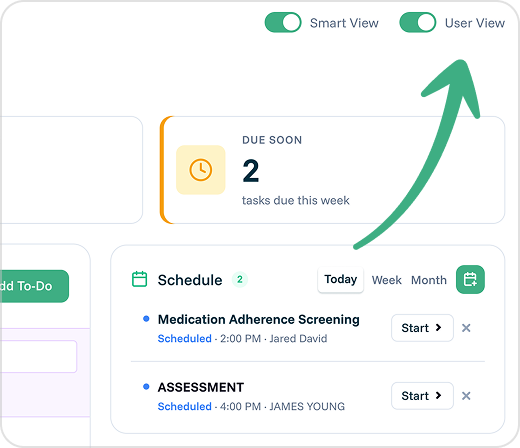 For admins, the Smart Dashboard offers an organization-wide view of member activity and — for organizations with those features turned on — billing, claims, and compliance, all in one place.
The best way to understand the Smart Dashboard is to see it for yourself. In a short, personalized demo, our team will walk you through how it fits your program, your workflows, and the communities you serve, and answer any questions along the way.